
Preview text: Context Hub shows why better code starts with better documentation context, not just better LLMs.
Let’s say the quiet part out loud.
A lot of AI coding-agent failures are not pure reasoning failures. They happen because the agent is coding against stale, incomplete, or mismatched documentation.
The model remembers an API.
Just not always the current API.
It remembers one SDK surface, one parameter shape, one common example. Then it writes code for the version that no longer exists.
That is why Andrew Ng’s Context Hub, or chub, is worth attention.
At its core, Context Hub is an open-source CLI and registry for coding documentation. It lets agents search curated docs, fetch a specific entry in a chosen language or version, add local annotations that reappear later, and send structured feedback about doc quality. The project README explicitly frames the problem around coding agents hallucinating APIs and forgetting what they learn between sessions.
That framing matters because it shifts the question from:
“Which model should we buy next?”
to:
“What does the agent know right before it writes code?”
That second question is where teams save real time.
The real failure mode: agents write code against ghosts
Every engineering team using AI seriously has seen some version of this:
Agent: “Done. I integrated the SDK.”
Engineer: “That method doesn’t exist.”
Agent: “Understood. I’ll fix it.”
Engineer: “That parameter doesn’t exist either.”
Agent: “Excellent. I have now invented a third API.”
Comedy is pain plus npm install.
The pattern is familiar:
- mixing old and new SDK conventions,
- inventing plausible-looking parameters,
- calling deprecated endpoints,
- getting auth or pagination almost right,
- or following outdated examples with total confidence.
Context Hub attacks that failure mode with a tighter loop: search the registry, fetch the relevant docs, code from that context, then preserve what was learned for next time. The public docs show this workflow directly with chub search, chub get, annotations, and feedback.
What Context Hub actually changes
Most teams try to improve AI coding reliability in one of three ways:
- swap the model,
- add more tools,
- patch the prompts.
Context Hub improves something teams often underinvest in: documentation context quality and continuity. Its public docs describe a markdown-based registry, local caching, version and language selection, annotations, and feedback labels.
Here is the practical loop:
npm install -g @aisuite/chub

chub search openai
chub get openai/chat --lang py
That gives the agent a curated documentation entry instead of forcing it to guess from model memory.
Then comes the underrated part:
chub annotate openai/chat "Use streaming helpers for multi-turn responses; avoid old completion examples"Annotations are stored locally and surface on future retrievals. The docs distinguish those local notes from feedback sent upstream to maintainers. Local annotations help your team’s future sessions; feedback helps improve the shared registry.
And when a doc entry is weak, the feedback loop is structured:
chub feedback openai/chat down --label outdated --label wrong-examplesThe CLI docs document feedback labels such as outdated, wrong-version, incomplete, and wrong-examples.
That is the core idea:
not smarter guesses, but better context plus better continuity.
One important correction: it’s not “live official specs”
This matters enough to say clearly.
Context Hub should not be described as a direct pipe to live official vendor specs. Its public design docs describe a curated registry, local cache behavior, refresh/update flows, and markdown-based content entries.
So the precise framing is:
- not “live specs,”
- not “guaranteed official source of truth,”
- but rather curated, versioned, refreshable documentation context.
That is still extremely useful. It is just more accurate.
And accuracy feels like a good brand value for an article about reducing hallucinations.
Why this resonates with developers
Because developers do not just dislike bad code.
They dislike bad code that arrives confidently, burns 20 minutes, fails the build, and then asks for another chance like nothing happened.
Context Hub is appealing because it addresses the pain engineers actually feel:
- wrong APIs waste time,
- repeated mistakes are maddening,
- and “regenerate until it works” is not a professional workflow.
If an agent can fetch relevant docs before coding and preserve task-specific notes after the task, it stops behaving like an intern with perfect confidence and zero notebook.
It starts behaving more like a junior engineer who actually writes things down.
That is a much better teammate.
Why this resonates with AI leaders
At scale, hallucinations are not just a UX issue. They are an operational cost.
Every API hallucination can create:
- longer review cycles,
- more failed tests,
- more engineering skepticism,
- more prompt patchwork,
- and slower adoption across teams.
For leaders, Context Hub reframes the problem from pure model procurement to context operations.
That is strategically useful.
If a meaningful share of coding-agent errors come from stale or incomplete task context, then upgrading to a larger model may be an expensive way to solve the wrong layer of the problem. Context Hub suggests a cheaper, more controllable alternative: improve freshness, specificity, persistence, and feedback around the model.
In plain English:
You do not always need a smarter agent.
You need an agent that starts with better facts.
The real insight: this is not just retrieval, it is continuity
A plain retrieval pattern looks like this:
- fetch docs,
- use docs,
- forget everything at the end.
Context Hub adds a more durable loop:
- search docs,
- fetch the relevant entry,
- do the work,
- annotate what was missing or important,
- see that note again later,
- optionally rate the entry for maintainers.
That matters because most agent workflows are still highly session-bound.
The chat ends.
The learning disappears.
Tomorrow’s agent repeats yesterday’s mistake with fresh enthusiasm.
Context Hub’s split between local annotations and shared feedback is practical because it separates two different kinds of learning:
- local memory for team-specific gotchas,
- registry improvement for the broader ecosystem.
That is much closer to how engineering knowledge actually compounds.
A useful mental model for teams
Think of Context Hub as three layers.
1. A retrieval layer
It helps agents find relevant docs by topic, language, and version.
2. A memory layer
It preserves local notes across future retrievals.
3. A quality loop
It lets users rate and label doc quality so maintainers can improve the registry.
Most teams today have none of the three in a clean, repeatable form.
They have browser tabs, half-remembered Slack messages, and one senior engineer who somehow knows why webhook verification fails only in staging.
We love that person.
We should also stop making them our entire memory architecture.
How to use chub in a real engineering workflow
The fastest path to value is not “deploy this everywhere.”
It is to insert Context Hub at the two moments where hallucinations cost the most:
- right before code generation,
- right after a real doc gap is discovered.
Pattern 1: preflight docs before code generation
Before the agent writes integration code, fetch the docs first.
chub search "stripe webhooks"
chub get stripe/api --lang js -o .context/stripe.md
That entry pattern is consistent with the public registry structure, which includes stripe/api.
Then pass the fetched file into your agent prompt or task context.
This is especially useful for:
- payments,
- auth,
- messaging,
- cloud SDKs,
- infrastructure tooling,
- and anything that changes faster than model memory should be trusted.
Pattern 2: annotate every meaningful workaround
When the agent discovers a real gotcha, do not let it die in chat history.
chub annotate stripe/api "Webhook verification fails if body parser runs before signature validation"That turns a one-off annoyance into reusable knowledge. Annotations are local by design and reappear later.
Pattern 3: use JSON output in automation
The CLI supports JSON output, and the project’s machine-readable docs show patterns using jq to select a result and fetch it into a local file.
ID=$(chub search "openai chat" --json | jq -r '.results[0].id')
chub get "$ID" --lang py -o .context/openai.md
That is the kind of plumbing we want: boring, inspectable, reliable.
Boring is underrated in AI infrastructure.
Example use case 1: reducing SDK hallucinations in an agent wrapper
A lightweight pattern looks like this.
Step A: fetch docs before implementation
chub search "openai chat"
chub get openai/chat --lang py -o .context/openai-chat.md
Step B: inject the docs into the implementation task
You are implementing a Python feature using the attached Context Hub document.

Treat the document as the primary source of truth.
If implementation details are missing or ambiguous, stop and flag the gap explicitly before writing code.

Attached:
.context/openai-chat.md
That prompt is safer than telling the agent the doc is guaranteed complete.
Step C: preserve what the task learned
chub annotate openai/chat "Team uses async client wrapper; keep retry policy outside request constructor"Why this works: many hallucinations are near-misses, not total fabrications. The model remembers something adjacent and fills in the gap. Supplying a relevant doc collapses ambiguity; preserving a team-specific note reduces repeat mistakes.
Example use case 2: making multi-agent workflows less forgetful
Suppose you have:
- a planner agent,
- an implementation agent,
- a test-fix agent.
The classic failure mode is that each behaves like it was born five seconds ago.
With Context Hub, the implementation agent can fetch docs, the test-fix agent can annotate a discovered caveat, and the next cycle automatically sees that note.
Use search output to resolve the exact entry instead of hardcoding a maybe-correct ID:
ID=$(chub search "aws s3 presigned url" --json | jq -r '.results[0].id')
chub get "$ID" --lang ts -o .context/s3.md
chub annotate "$ID" "Clock skew caused auth failures in staging; sync system time before debugging signatures"
That is not AGI.
That is just decent institutional memory, which is already rarer than it should be.
Example use case 3: API teams can use it as an adoption layer
If you own an API, Context Hub is not just a consumer convenience.
It is also a distribution surface for agent-friendly documentation.
The repository describes entries as structured markdown with frontmatter, plus support for language variants and related reference files.
That means API teams should start asking:
“How do we make our docs easy for agents to consume right before code generation?”
That question is going to matter more every quarter.
What to compare Context Hub with
Context Hub vs plain web search
Web search gives breadth.
Context Hub gives a narrower, more workflow-oriented path to curated docs.
The value is not that search engines are bad. It is that generic web search often produces a mix of official docs, old blog posts, copied examples, and random forum lore. Context Hub is explicitly designed to give a cleaner retrieval path for coding workflows.
Context Hub vs generic RAG
RAG is a category. Context Hub is a packaged workflow in that category.
A custom RAG stack can absolutely solve part of this problem. But most teams still have to figure out:
- ingestion,
- versioning,
- language variants,
- retrieval patterns,
- memory behavior,
- and feedback loops.
Context Hub bundles opinions on those things into a CLI and registry model.
So the fair comparison is not:
“RAG bad, chub good.”
It is:
“Context Hub is a practical operating model for one painful subtype of RAG: coding documentation context.”
Context Hub vs MCP
MCP and Context Hub solve adjacent problems.
The Model Context Protocol standardizes how applications expose tools and context to LLM-powered systems.
Context Hub is more specifically about the content workflow for coding docs: searching entries, fetching them, annotating them locally, and rating them. The repo also contains MCP-related pieces, including a chub-mcp binary, which makes the overlap practical.
A simple shorthand:
- MCP helps agents connect to tools and context sources.
- Context Hub helps agents retrieve and retain the right coding docs.
You may want both.
Implementation advice that will actually save engineers time
1. Do not make doc fetch optional on volatile integrations
If the target API changes often, add a preflight rule:
“Before generating integration code, fetch docs with chub search and chub get.”
Not “if needed.”
Always.
Because the agent is often uncertain without realizing it.
2. Treat annotations like engineering assets
If a workaround matters once, it will likely matter again.
The loop should be:
- fix the issue,
- annotate the entry,
- move on.
That is a tiny habit with compounding payoff.
3. Keep notes operational
Bad:
“This area is tricky.”
Good:
“JWT middleware strips raw body; disable it before webhook signature verification.”
The second one saves someone time.
4. Use version and language flags deliberately
The CLI supports both. Use them when ambiguity matters.
5. Store fetched docs in a predictable path
For example:
.context/
  stripe.md
  openai.md
  aws-s3.md
Then your agent framework, CI job, or reviewer can inspect exactly what the model saw.
6. Tell the agent what to do when docs are incomplete
This prompt pattern is safer than overclaiming completeness:
Before writing code for third-party APIs:
1. Search docs with chub
2. Fetch the best matching entry
3. Use the entry as the primary source of truth
4. If something is missing or ambiguous, stop and flag it
5. Add a local annotation for any important caveat learned during the task
7. Be careful with feedback in enterprise environments
This is the operational caveat many teams will care about.
Annotations stay local.
Feedback goes to maintainers.
So agents should not auto-send feedback from internal environments unless the user or organization explicitly allows it, especially if the comment could reveal internal architecture or sensitive implementation details. The included skill guidance in the repo explicitly tells the assistant to ask before sending feedback.
8. Do not put secrets in annotations
Annotations are local files, not a secret manager. Keep credentials, customer data, internal tokens, and sensitive URLs out of them.
Where Context Hub is strongest
Context Hub looks especially useful when:
- agents write production integration code,
- your org touches many third-party APIs,
- SDKs or examples change frequently,
- teams repeatedly rediscover the same doc gaps,
- or you want a more repeatable bridge between coding agents and operational knowledge.
It is less compelling if your agents work mostly on stable internal code with few external dependencies and low API churn.
But for a lot of modern product teams, that is not the common case anymore.
One healthy caveat: the registry can lag too
This is not a knock on the project. It is just reality.
Because Context Hub is a curated registry, it can also be incomplete or behind. Public issues in the repo show exactly that kind of community feedback, including examples where model docs needed updating.
That does not weaken the idea. It actually reinforces the importance of the rating and feedback loop.
A good mental model is:
- better than blind model memory,
- cleaner than generic web trawling,
- but still something you should treat as a primary source to verify when the stakes are high.
That is a mature workflow, not a magic trick.
The deeper lesson for AI engineering
Context Hub matters beyond its own feature set because it points to a broader truth:
Agent performance is increasingly a context-engineering problem.
Not only a model problem.
Not only a prompt problem.
Not only a tool-calling problem.
A context-engineering problem.
That means winning teams will get disciplined about:
- freshness,
- retrieval,
- versioning,
- memory,
- feedback loops,
- and traceability of what the agent actually knew when it acted.
Context Hub packages those concerns into a workflow teams can adopt today.
The takeaway for developers
If your coding agent is hallucinating APIs, do not start by blaming the model.
Ask:
- Did it fetch relevant docs first?
- Did it choose the right language and version?
- Did it preserve what was learned last time?
- Did anyone improve the docs or note the caveat?
If the answer is no, the failure was not just in the model.
It was in the context stack around it.
The takeaway for AI leaders
There is a big strategic difference between:
- paying more for slightly better raw reasoning,
and
- improving the information supplied at the exact moment the agent has to act.
Context Hub sits squarely in that second category.
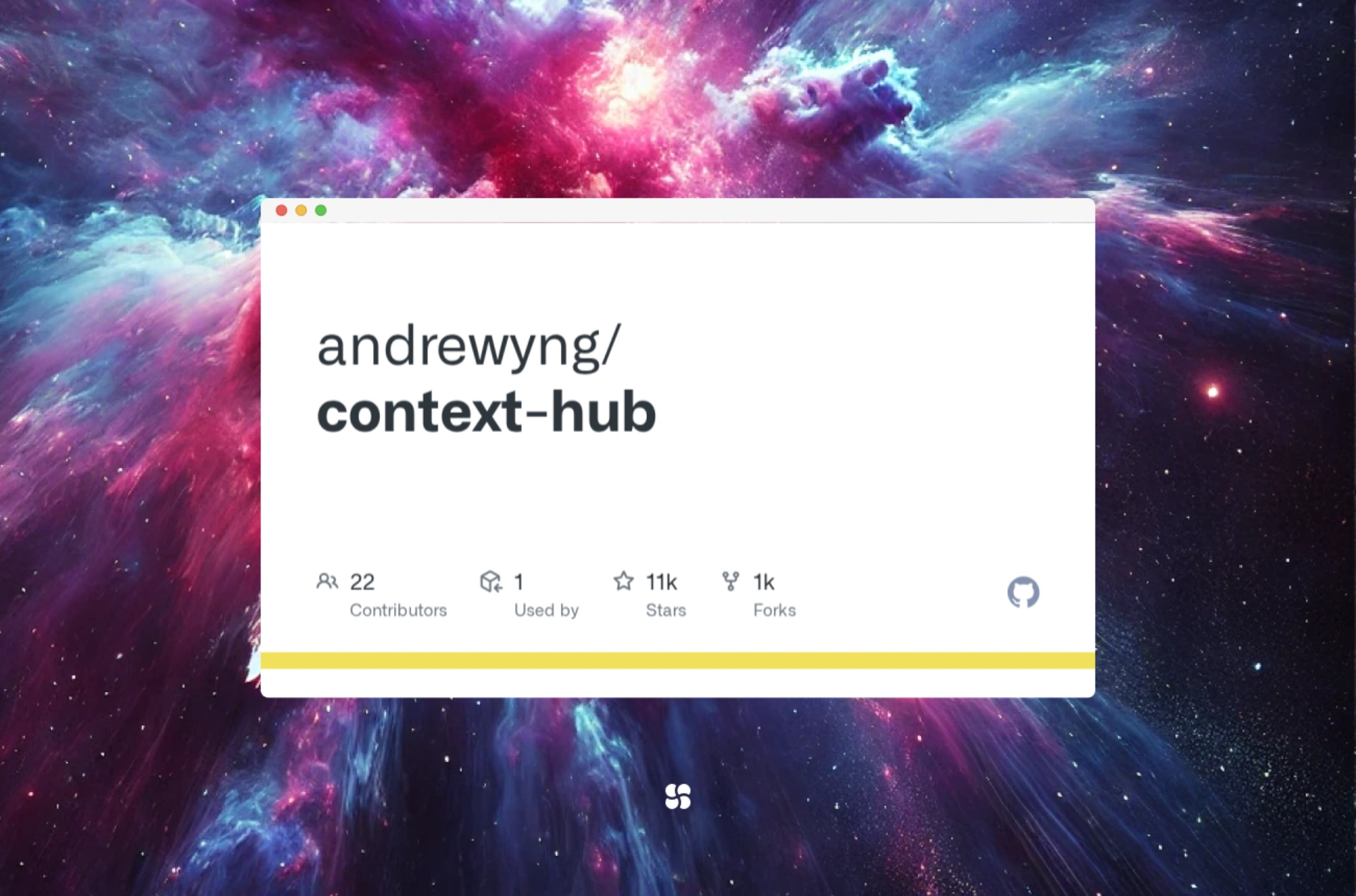
That is why it matters. Not because it magically eliminates hallucinations, but because it shows a more grounded path to better agent reliability: better docs, better retrieval, better memory, and better feedback loops. The project has also gained significant GitHub traction, with well over 11,000 stars as of late March 2026, which suggests this pain point is real and broadly felt.
We were never going to solve production-grade AI coding by asking models to memorize the entire software ecosystem forever.
Useful? Yes.
Impressive? Absolutely.
Enough on its own? Not really.
The better recipe looks more like this:
fetch better docs, code from context, keep what you learn.
That is a much stronger foundation.
Tega AdeyemiMarch 23, 2026.