
Articles & Playbooks
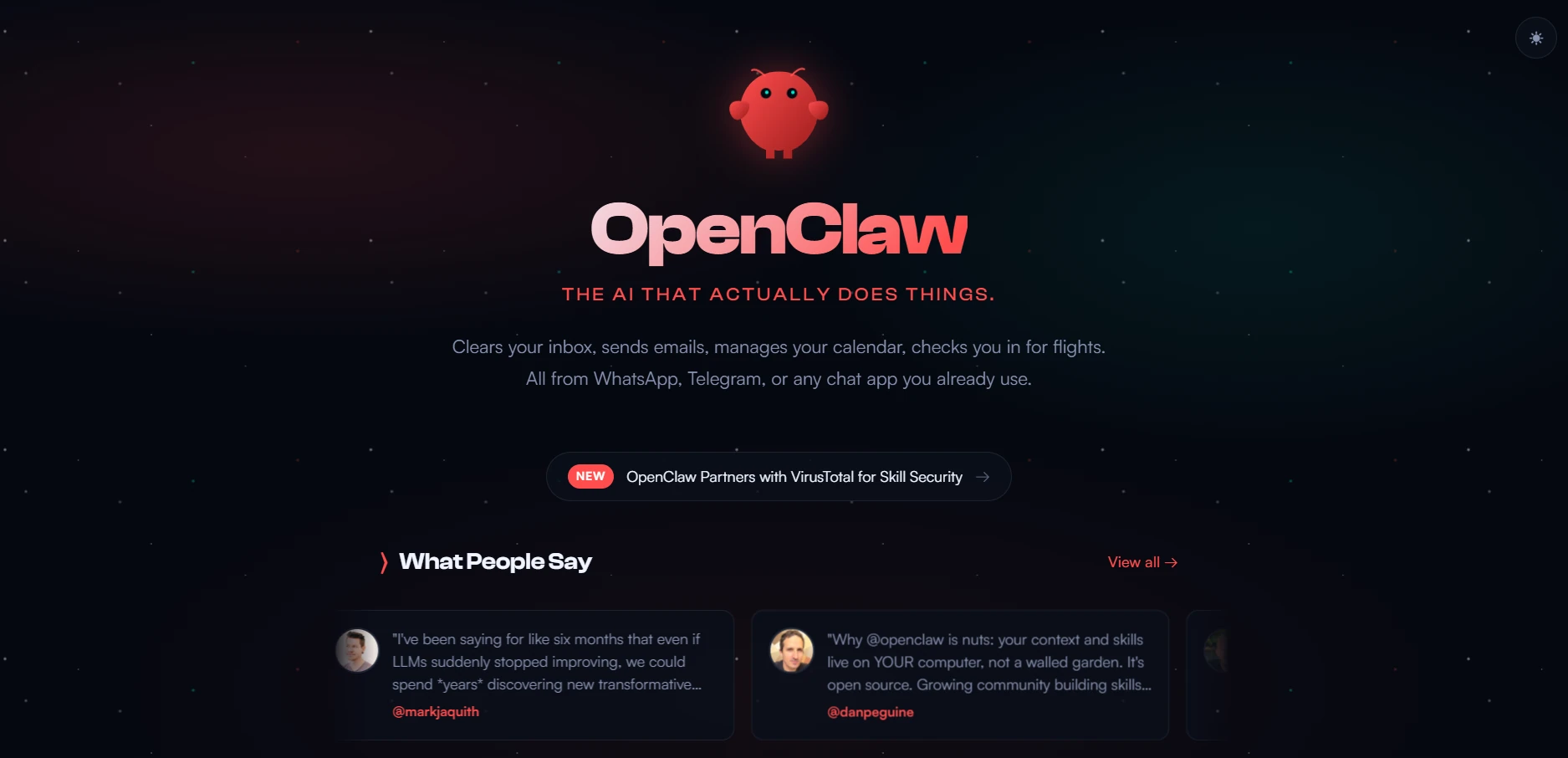
OpenClaw (Claudebot) Review: The 24/7 AI Agent That Runs Your Computer.
You text it from Telegram, it runs a computer 24/7, uses your tools, and checks in proactively—amazing workflow unlock, real security tradeoffs.
We were halfway through a meeting when someone said the sentence that always sounds harmless until it isn’t:
“Can you pull that folder and send me the docs?”
Everyone reached for a laptop.
Then someone else—calm, slightly smug—did something different. They opened Telegram, typed one line, and put their phone face-down like they’d just ordered room service.
Two minutes later, a neat stack of PDFs landed in the chat.
No clicking through Drive. No downloading one-by-one. No “wait, which one is the latest version?” No one even stood up.
Someone finally asked the obvious question:
“Okay… what is that?”
That was our first real encounter with OpenClaw (the tool most people still call Clawdbot/Claudebot). And it explains the chaos on social media perfectly:
- One side thinks AGI is basically here.
- The other thinks it’s a security nightmare.
After weeks of testing, we think the truth is more interesting:
OpenClaw feels like the first agent that actually changes your day-to-day workflow… and it’s powerful enough that you need to treat it like you’re hiring a new employee who can touch everything.
Let’s break it down.
Why OpenClaw Is Blowing Up Right Now
Most “new AI tools” die for the same reason: they don’t change behavior.
They add a new tab.
A new dashboard.
A new workflow you have to remember exists.
OpenClaw doesn’t.
It slips into the place where work already happens: messages.
That’s the first reason it’s exploding: it turns AI from an app you open into a coworker you ping.
The second reason is even bigger:
It doesn’t just respond. It acts.
So the hype isn’t completely irrational.
But neither are the security concerns.
Key takeaway: OpenClaw is going viral because it collapses “ask” → “do” into one message.
What OpenClaw Actually Is And Why People Keep Getting It Wrong
Let’s clear the confusion.
OpenClaw is:
- a local gateway running on your computer
- that connects to an AI agent working around the clock
- open source
- built by Peter Steinberger
- not owned by Anthropic, OpenAI, or any big company
And importantly:
It is not Claude Code.
It’s also not “just Claude in a new wrapper.”
If ChatGPT/Claude are like consultants you ask questions to…
OpenClaw is like giving one consultant a desk, a computer, access badges, and a phone number you can text.
Key takeaway: Chatbots talk. OpenClaw operates.
The Four Capabilities That Make It Different From Any AI Tool You’ve Tried
We’ve tested a lot of tools. Most have one gimmick.
OpenClaw has four capabilities that combine into something new.
Capability 1: You text it from any messaging app (and that changes everything)
You don’t need to sit at your desk.
You don’t need to open a special interface.
You don’t need to “start an AI session.”
You just text it using:
- Telegram
- iMessage
- Slack
- (and other channels it supports)
Example: The “download this folder” moment
We were sent a Google Drive folder with a bunch of docs.
Instead of:
- opening the folder
- selecting files
- downloading individually
- re-uploading to send…
We texted:
“Download everything in this Drive folder and send it back here.”
OpenClaw:
- found 11 PDFs + 1 Google Doc
- downloaded them
- converted the doc to PDF
- sent all 12 files back into Telegram
Did it save a ton of time? Maybe 5–10 minutes.
Did it change the way we work? Yes—because now delegation happens at the speed of thought.
Key takeaway: Messaging makes AI usable in real life because it meets you where your work already happens.
Capability 2: It can control the entire computer it runs on
This is the power feature.
OpenClaw can:
- open a browser
- navigate websites
- fill out forms
- take screenshots
- open Docs and write
- check email
- manage files
- open a code editor and build software
If you can do it on a computer, OpenClaw can usually do it too.
Demo: Finding podcast guests
We gave it this request:
“Find five potential podcast guests on Claude Code and give me their LinkedIn + contact info.”
On the agent machine (we’re not touching it):
- it opens a browser
- starts googling
- opens tabs
- cross-references names
- searches LinkedIn
- compiles candidates and reasons
Two minutes later, it sends back:
- five guest options
- why each is a fit
- LinkedIn URLs
- sometimes emails/contact info (when publicly available)
This is exactly the kind of work that’s easy… and time-consuming… and annoying… and somehow always becomes your job.
Key takeaway: OpenClaw converts “browser grunt work” into a delegation task.
Capability 3: It can access your tools (instead of asking you to paste things)
This is the difference between:
- “AI helper”
and - “AI teammate”
We asked ChatGPT a simple question:
“Hey, we hosted a Zoom workshop last week. Can you review the transcript and pull highlights for LinkedIn?”
ChatGPT basically says:
“Sure, upload the transcript.”
That’s not helpful. That’s paperwork.
We asked OpenClaw the same thing.
It replies:
“I found the transcript from Jan 29. Let me pull highlights.”
Then it:
- grabs the transcript
- extracts ideas and highlights
- drafts post-worthy snippets
We followed up:
“What was the workshop about? Send me the recording link.”
It summarized the workshop accurately and, after prompting, went and fetched the recording link from Zoom.
The point isn’t Zoom.
The point is: this works with the tools you grant access to—calendar, email, Notion, anything.
OpenClaw can:
- retrieve data
- take actions
- produce real outputs
Not just “talk about how you might do it.”
Key takeaway: Tool access turns AI into automation, not conversation.
Capability 4: It’s proactive (heartbeats + scheduled tasks)
This is where it starts feeling… unsettlingly employee-like.
OpenClaw can run:
- heartbeats (proactive check-ins)
- scheduled jobs / cron tasks (do X every day at Y time)
Example:
We set up a daily content check-in.
It pings us with:
- “Event promo needed (workshop in two days).”
- “Unpromoted YouTube videos.”
- “LinkedIn post cadence slipping.”
This flips the dynamic:
With chatbots, you must remember to ask.
With OpenClaw, it reminds you.
And that’s why people describe it as an “AI employee.”
Key takeaway: Proactivity is the difference between “tool you use” and “teammate that uses you.” (Kidding. Mostly.)
The “Employee” Metaphor Is Useful—But Dangerous If You Forget One Thing
An employee can do work.
An employee can also make mistakes.
And an employee should not have access to:
- every system
- every password
- every file
- on day one
OpenClaw is the same.
The best way to think about it is:
We’re not installing a tool. We’re hiring capability.
So we need onboarding, boundaries, and governance.
Key takeaway: Treat OpenClaw like a new hire with admin access. Because functionally… it is.
How to Set It Up And Not Immediately Regret It
Step 1: Decide where it runs
You have options:
- VPS (cheap monthly cost; cloud-hosted machine)
- Spare laptop/computer at home (great for testing)
- Dedicated machine (Mac Mini/Mac Studio/etc.) for a 24/7 setup
But here’s the rule we recommend:
Don’t run it on your main work machine at first.
Because OpenClaw’s power comes from access.
Step 2: Create a safe testing environment
What worked well for us:
- use a spare machine
- wipe it clean
- log out of everything
- start from a blank slate
Then:
- create separate accounts for the agent (not your personal ones)
- control passwords via Bitwarden/1Password
- grant access intentionally
This is least privilege, applied to an AI.
Key takeaway: Separation first. Trust later.
Installation Walkthrough: The 3-Minute “Hatch” Process
OpenClaw lives at openclaw.ai (the renamed “Clawdbot” project).
The rename happened because the original name caused confusion with Anthropic’s Claude. The new name fits better anyway:
OpenClaw: the AI that actually does things.
Installation is essentially:
- go to site
- copy the quickstart one-liner
- paste into terminal
If you don’t have dependencies (Homebrew, NodeJS), it installs or prompts.
Then you hit an onboarding screen with a serious warning:
OpenClaw is:
- a hobby project
- beta
- powerful
- risky
- vulnerable to bad prompting
It’s honest. That’s good.
Key takeaway: If you ignore the warning, you deserve the warning.
Choosing the Model: Your Bot Is Only as Smart as Its Brain
During setup, you choose the AI model powering OpenClaw.
You can connect:
- OpenAI
- Anthropic
- or cheaper alternatives (depending on what’s supported)
Premium models (like Claude Opus) can feel dramatically better:
- better planning
- smoother output
- fewer weird failure modes
But you can start cheaper (even ~$10/mo tier options) to test workflows.
Authentication: proceed carefully
You may see options like OAuth, setup tokens, or API keys.
There have been reports of accounts being shut down in some situations when using certain auth routes with third-party tooling. So the safe approach is:
- prefer official/expected auth methods
- avoid sketchy workarounds
- keep it compartmentalized early
Key takeaway: Model choice = quality. Auth choice = risk.
Setting Up Your Messaging Channel (“How You Talk to the Employee”)
In OpenClaw this is called a channel.
Pick what you use:
- Telegram
- iMessage
- Slack
Setup is quick.
And now, you’re live.
You can text your agent while you’re:
- commuting
- traveling
- in a meeting
- on the couch pretending you’re not working
Key takeaway: Channels turn this from “cool software” into “ambient automation.”
How to Onboard Your Agent Like a Pro
This sounds silly until you do it.
Don’t start by asking it to restructure your entire life.
Start like this:
- Give it context: who you are, what you do, what “good work” looks like
- Tell it what tools matter (calendar, email, Drive, Notion, etc.)
- Give it a name/personality (optional, but helps consistency)
- Start small tasks
- Review outputs
- When it gets corrected and then succeeds, tell it to remember the right way
This creates compounding returns.
Key takeaway: The first hour you invest in onboarding pays back every day.
Real Concerns: The Part People Skip Until Something Goes Wrong
Let’s cover the big three.
1 Security is the price of capability
OpenClaw can do damage if it’s tricked, misprompted, or over-privileged.
So:
- isolate it on a separate machine first
- keep accounts separate
- grant minimal permissions
- don’t give it keys to everything on day one
2 It’s not perfect (check its work)
It will:
- misunderstand tasks
- choose odd paths
- occasionally do “technically correct, practically useless” output
The fix is the same as training a new hire:
- correct it
- confirm it
- tell it to remember
3 The software is free, the model usage isn’t
OpenClaw is open source. But the model powering it costs money.
Premium models via API can get expensive fast.
Example from real usage patterns:
- a few days of heavy API use can burn through meaningful credits quickly (we’ve seen scenarios like ~$80 in a short window)
So:
- start with cheaper models for testing
- set budgets/limits if possible
- monitor usage early
Key takeaway: Don’t confuse “free gateway” with “free labor.”
So… Is This the Future or a Nightmare?
Yes.
It’s the future because:
- delegation becomes instant
- automation becomes natural
- tool-use becomes practical
- proactivity changes how work gets done
It’s a nightmare if:
- you run it on your main machine
- you give it all your passwords
- you assume it’s enterprise-grade
- you don’t monitor cost
Here’s the balanced truth:
OpenClaw is a high-leverage system for builders who can handle basic security and access control.
If that’s you, it will change your workflow.
If that’s not you (yet), you can still get value from a safer cousin:
Claude Code as the “in-control” alternative
Claude Code can be extremely powerful while keeping you explicitly in the loop:
- you run it when you want
- you watch it work
- you stop it when done
OpenClaw is “always-on delegation.”
Claude Code is “power on demand.”
Key takeaway: Choose the system that matches your risk tolerance and operating maturity.
The biggest reason OpenClaw is going viral isn’t hype.
It’s because once you’ve delegated work through a message and watched it happen while you keep living your life…
…it’s hard to go back to “open tab, paste prompt, upload files, repeat.”
Just don’t hand the raccoon your keys on day one.
— Cohorte Intelligence
February 20, 2026.