

We tested hundreds of AI tools. These 10 are the ones worth keeping—because they save time, increase output, and help you stay hard to replace.
We had one of those work mornings where everything is “urgent,” nothing is clear, and our browser looks like a digital yard sale.
Someone on the team dropped this in chat:
“If AI is so powerful… why are we still doing boring tasks manually?”
Painful question. Correct question.
So we did the unsexy work: over the last 4 years, we tested hundreds of AI tools, especially after ChatGPT triggered the daily tsunami of new launches.
Most tools were:
- cool for 30 seconds
- annoying by day 2
- abandoned by day 7
But 10 AI tools passed the only test that matters:
If this disappeared tomorrow, would we actually miss it?
Here are the best AI tools for productivity in 2026 (in our daily workflow), plus real examples for how to use each one.
Quick Picks: Which AI Tool Should You Start With?
If you want results fast, start here:
- Fastest writing upgrade: Wisprflow (voice-to-text that understands context)
- Best “do it for me” browsing: Comet (AI browser by Perplexity)
- Best daily research assistant: Scouts (UTOI)
- Best AI website design tool: Replit Design
- Best AI video creation studio: Higgsfield
- Best way to use multiple AI models: AI LLM Council
- Best AI image generator for consistency: NanoBanana Pro (Gemini)
- Best AI audio cleanup tool: Meta SAM Audio
- Best AI automation tool to make money: n8n
- Best AI slide generator for dense decks: Kimi Slides
Table of Contents
- Wisprflow.ai (Voice-to-text writing)
- Comet (AI browser)
- Scouts (Daily web research)
- Replit Design (Website + UI design)
- Higgsfield (AI video creation)
- AI LLM Council (Best-of-model answers)
- NanoBanana Pro (AI images)
- Meta SAM Audio (Audio separation)
- n8n (Automation + agents)
- Kimi Slides (Slide generation)
1) Wisprflow.ai — The Best Voice-to-Text AI for Writing Faster
Most people type around 40 words per minute.
Most people speak around 120–140 words per minute.
So typing is the bottleneck.
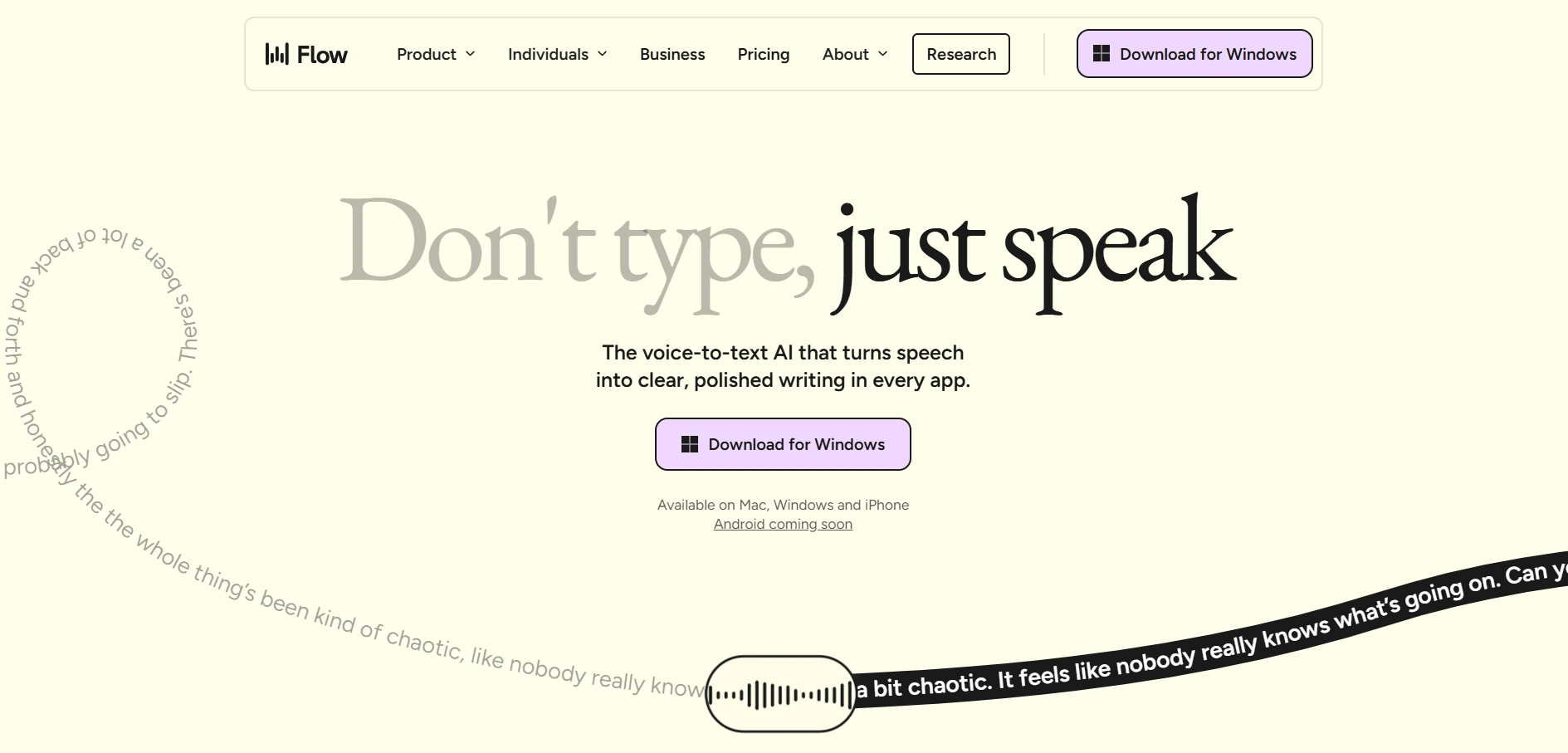
Wisprflow lets us write with voice across devices (laptop, iPhone, anywhere we type). The key difference: it understands meaning, not just words.
Real example: writing naturally and still getting clean text
We can say:
“Let’s meet at 7—no wait—9:30. Starbucks—actually no—Nagarjuna in Bengaluru.”
Wisprflow outputs the final clean version, not the messy stream.
Use it for: emails, WhatsApp replies, Slack messages, ChatGPT prompts, client updates.
Key takeaway: This is one of the highest ROI AI productivity tools because it speeds up everything that involves writing.
2) Comet (Perplexity) — An AI Browser That Does Tasks For You
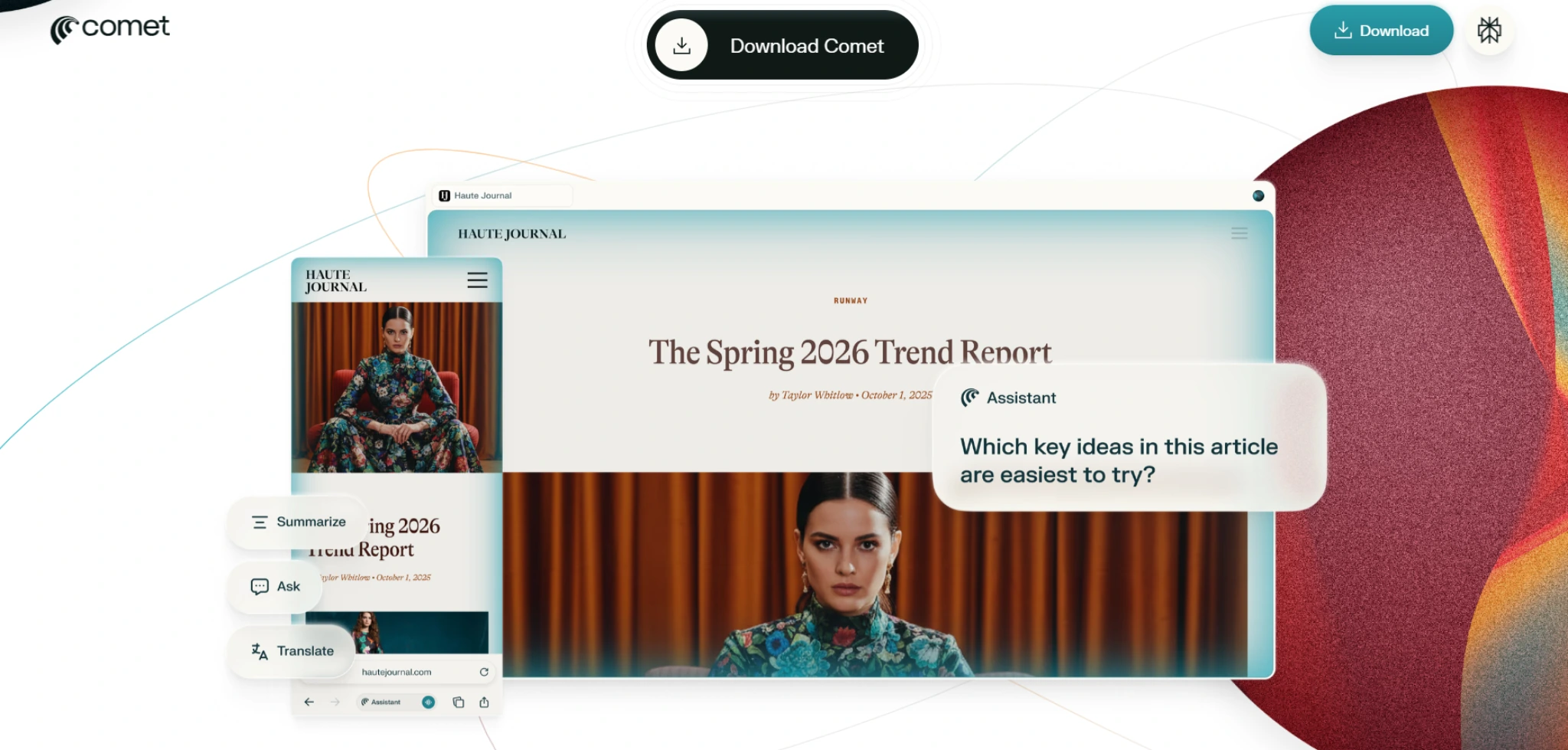
Comet is a browser built for the AI era: it can handle web tasks on your behalf.
You can ask it to:
- reply to comments
- add items to cart
- find coupon codes
- compare products across tabs
- fill forms
- draft spreadsheet formulas and do repetitive web work
Real example: buying something without tab chaos
We open two product pages and ask:
“Compare these two. Which is better value? Find and apply the best coupon code.”
Comet does the annoying work.
Use it for: shopping comparisons, form filling, repetitive admin tasks, simple research.
Key takeaway: It turns “click work” into “done work.”
3) Scouts (UTOI) — Daily Research Without Doomscrolling
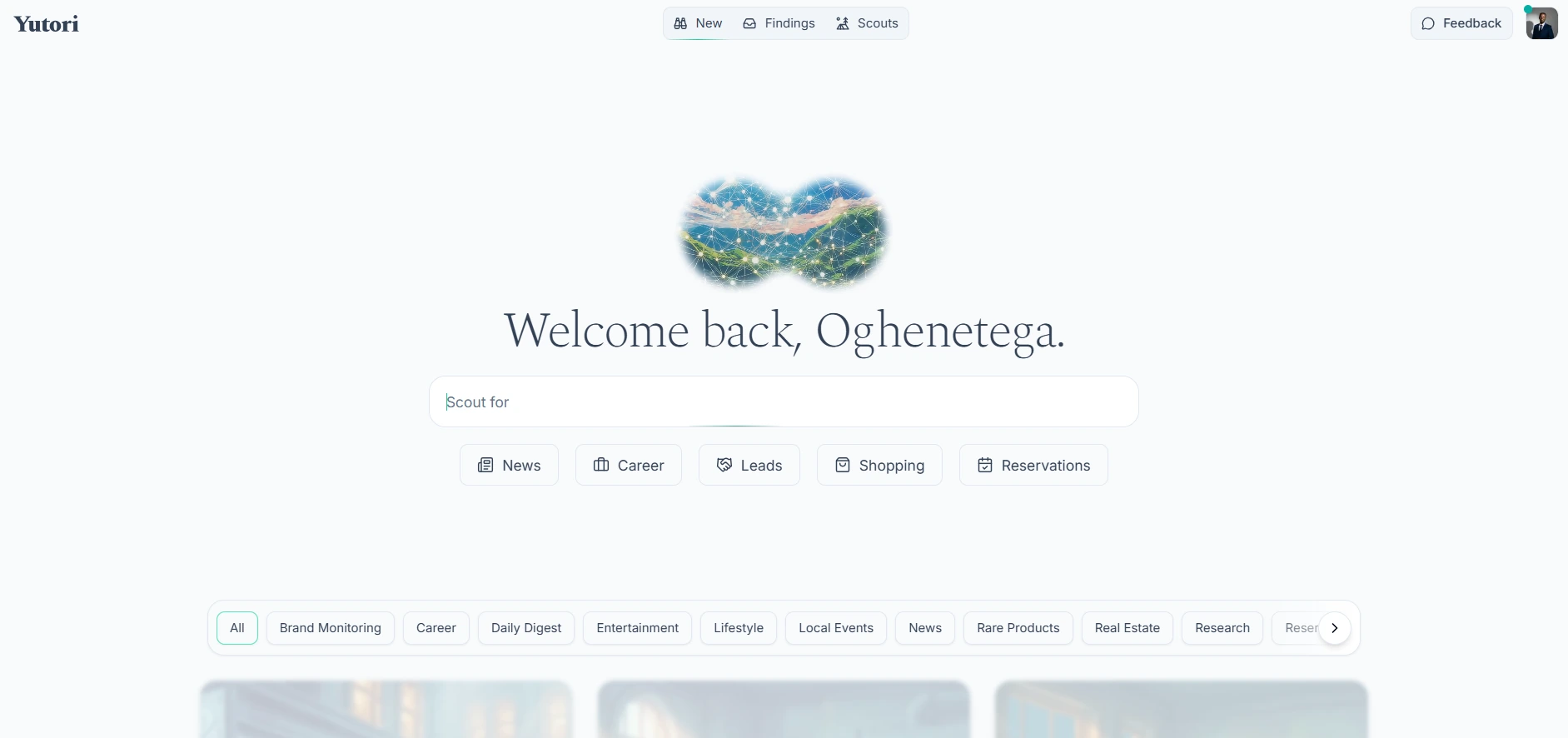
Scouts scans the internet every day for topics you care about and sends the latest updates to your inbox each morning.
Track anything:
- AI
- finance
- business
- a company
- a specific stock (example: Tata Steel)
Real example: track a stock like a pro
Instead of manually searching “Tata Steel news” daily, we set:
“Track Tata Steel updates and major news.”
And we get a daily digest.
Use it for: keeping up with niches, industries, competitors, investments.
Key takeaway: The winners don’t consume more info—they filter better.
4) Replit Design — Build Websites That Don’t Look AI-Generated
AI websites used to look… suspiciously bland.
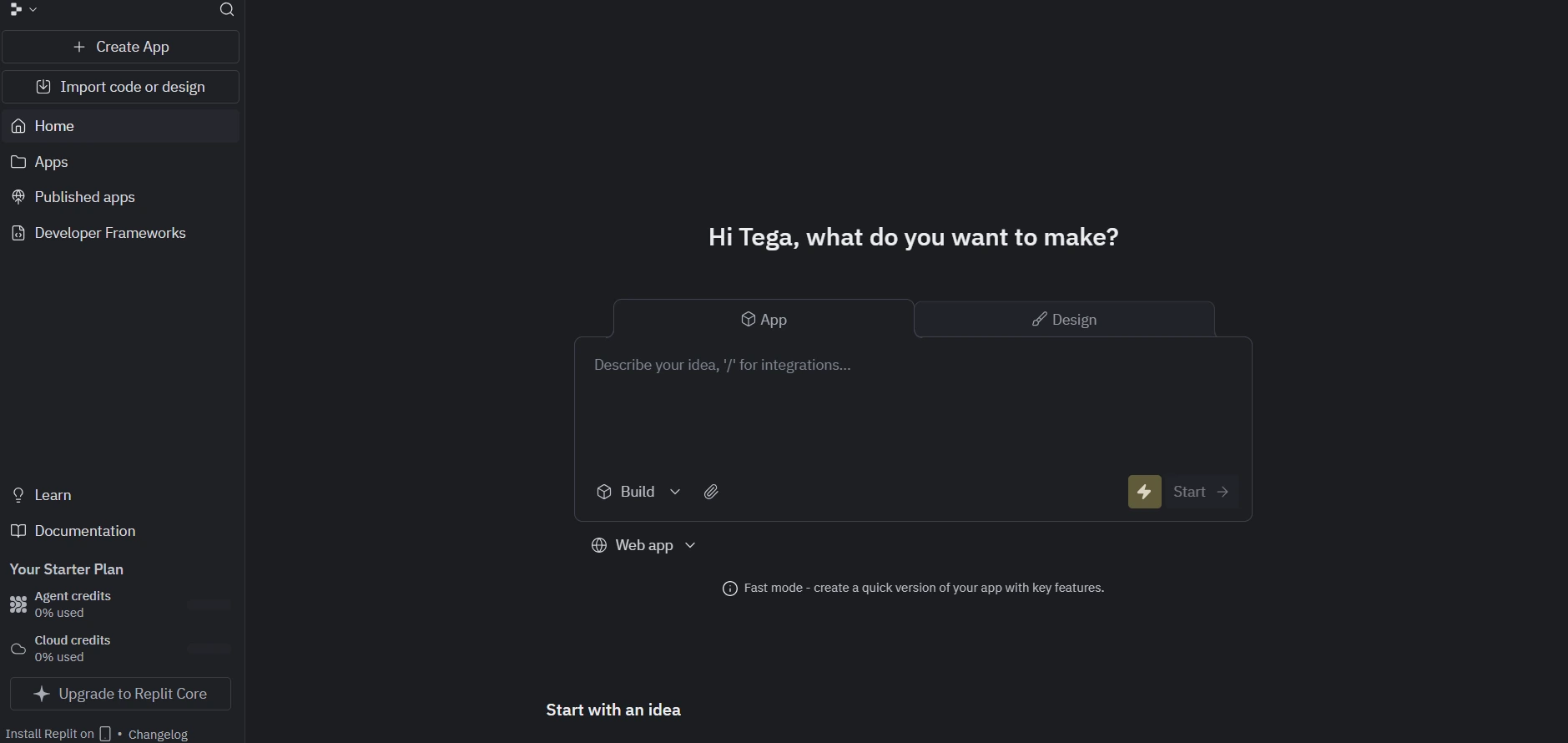
Replit Design changes that. It uses modern model-powered design generation (leveraging Gemini 3’s design abilities) to generate:
- UI components
- full layouts
- publishable websites/apps
Real example: a portfolio in minutes
Prompt:
“Create a modern personal portfolio with a hero, project grid, testimonials, and contact form.”
Replit generates a strong-looking design, then you can convert it into a working app and publish it.
Use it for: landing pages, portfolios, MVPs, personal sites.
Key takeaway: This is “vibe coding” with actual taste.
5) Higgsfield — Become an AI Filmmaker (Yes, That’s a Thing Now)
AI filmmaking is real. People are winning serious money with AI-generated movies using modern video models.
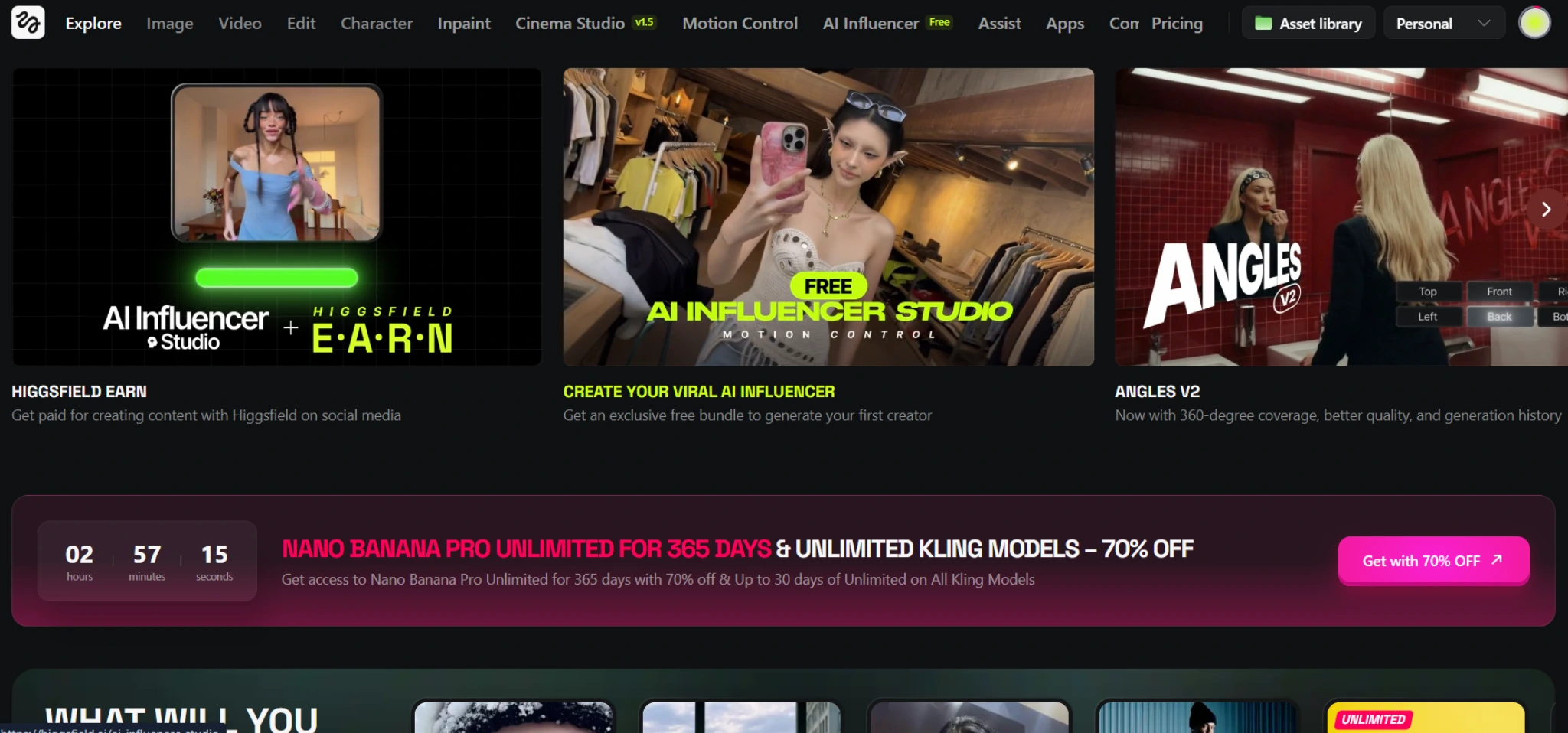
Higgsfield is a studio suite where you can:
- access multiple top video models (Cling, V03, others)
- control camera angles
- choose lens types
- define motion, framing, and scene detail
Real example: prompt like a director
“Slow dolly-in. 35mm lens. Golden hour lighting. Subject walking through a crowded street. Subtle handheld movement.”
Use it for: short films, ads, reels, cinematic B-roll, storytelling content.
Key takeaway: If you can describe the shot, you can produce the shot.
6) AI LLM Council — Stop Guessing Which AI Model to Use
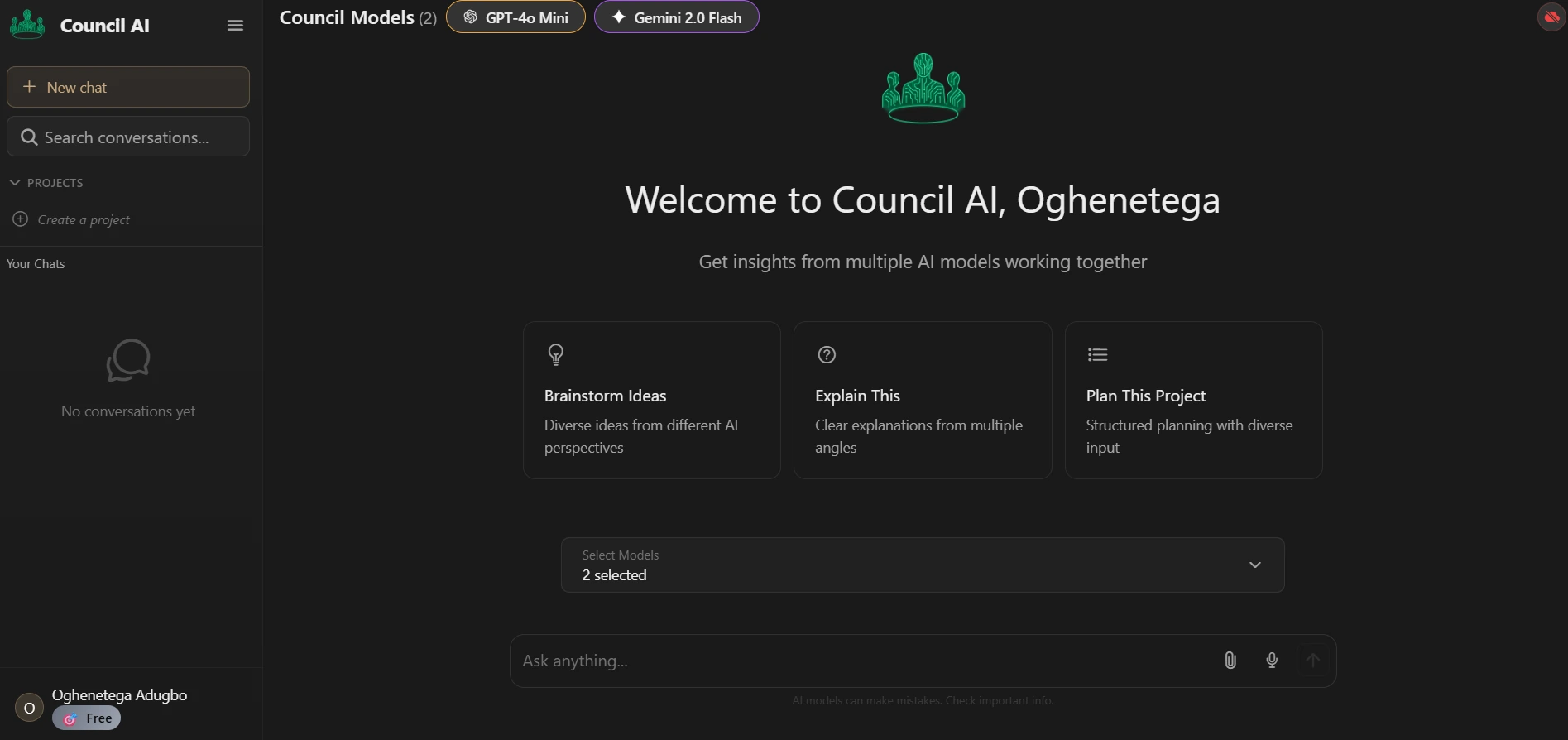
Different LLMs have different strengths. Instead of picking one, AI LLM Council does this:
- multiple models answer your prompt
- they rate each other
- a “leader” synthesizes the best final answer
It’s based on the “LLM Council” concept shared widely online, and you can try it for free on Hugging Face.
Use it for: important decisions, strategy, complex writing, technical comparisons.
Key takeaway: One model gives you one brain. A council gives you a debate and a synthesis.
7) NanoBanana Pro (Gemini) — Best AI Image Generator for Fast, Consistent Results
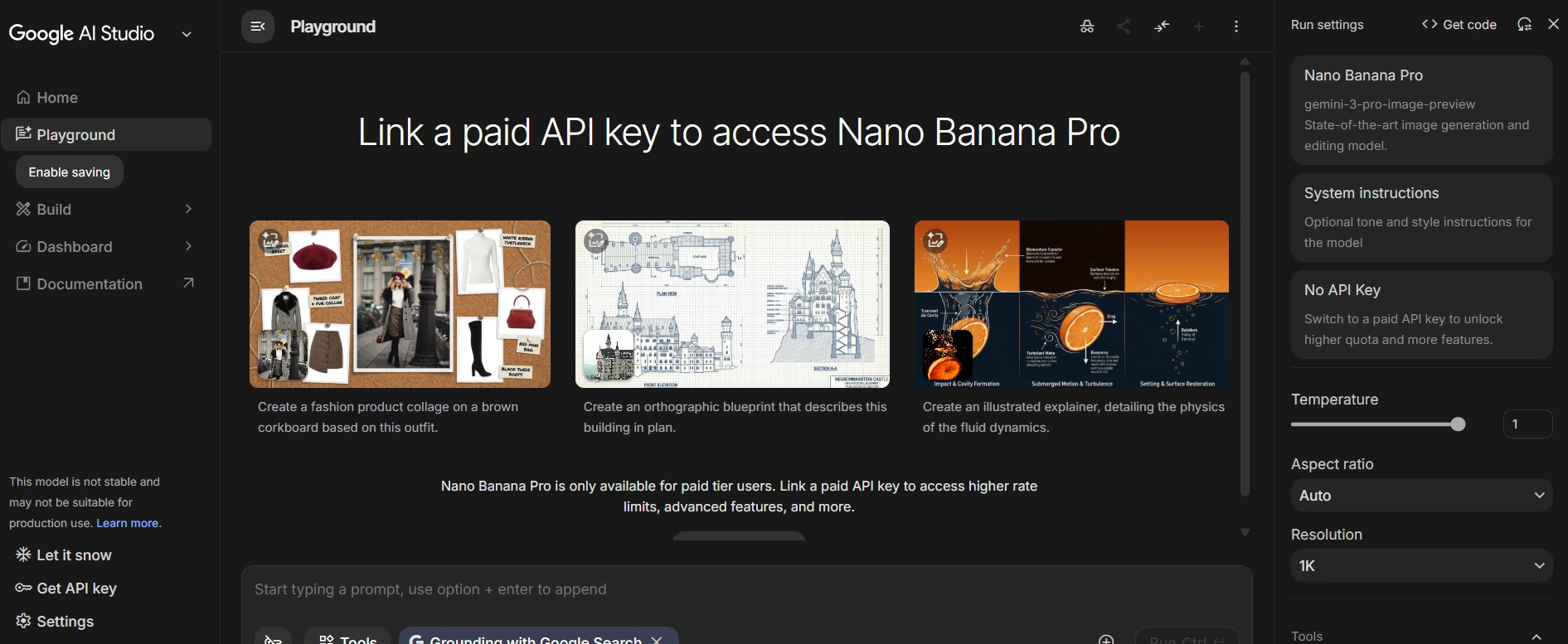
If you want to generate images with one simple prompt and keep a consistent style across edits, NanoBanana Pro on Gemini is a strong option.
You can:
- choose aspect ratio
- generate quickly
- iterate with edits
- keep the design consistent while making changes
Real example: infographic iteration
Prompt:
“Minimalist infographic about the 80/20 rule, bold headings, modern icons.”
Then:
“Keep the same style. Make it 16:9. Add a small bar chart.”
Use it for: infographics, profile pictures, mockups, comics, brand visuals.
Key takeaway: Consistency beats random generations.
8) Meta SAM Audio — Separate Audio Like Magic
Meta’s SAM Audio (Segment Anything Model for audio) lets you upload an audio clip and isolate tracks.
Examples:
- extract voice from noisy background
- isolate an instrument (like guitar)
- mute everything else
- export clean audio with effects
Use it for: podcasts, interviews, voiceovers, content cleanup.
Key takeaway: If audio quality is slowing you down, this is a massive shortcut.

9) n8n — The AI Automation Tool That Can Make You Money
If you want a direct line from AI skills → paid work, start here.
n8n is a drag-and-drop automation builder that lets you:
- connect apps
- build workflows
- create AI agents
- deploy automation in real companies
Real example: lead handling automation
Workflow:
- new lead form submission
- AI qualifies the lead
- drafts a personalized reply
- adds to CRM
- sends Slack alert
Use it for: automating admin, sales ops, customer support, onboarding.
Key takeaway: Businesses pay for systems that save time. n8n helps you build them.

10) Kimi Slides — Best AI Slide Generator for Dense, Data-Heavy Decks
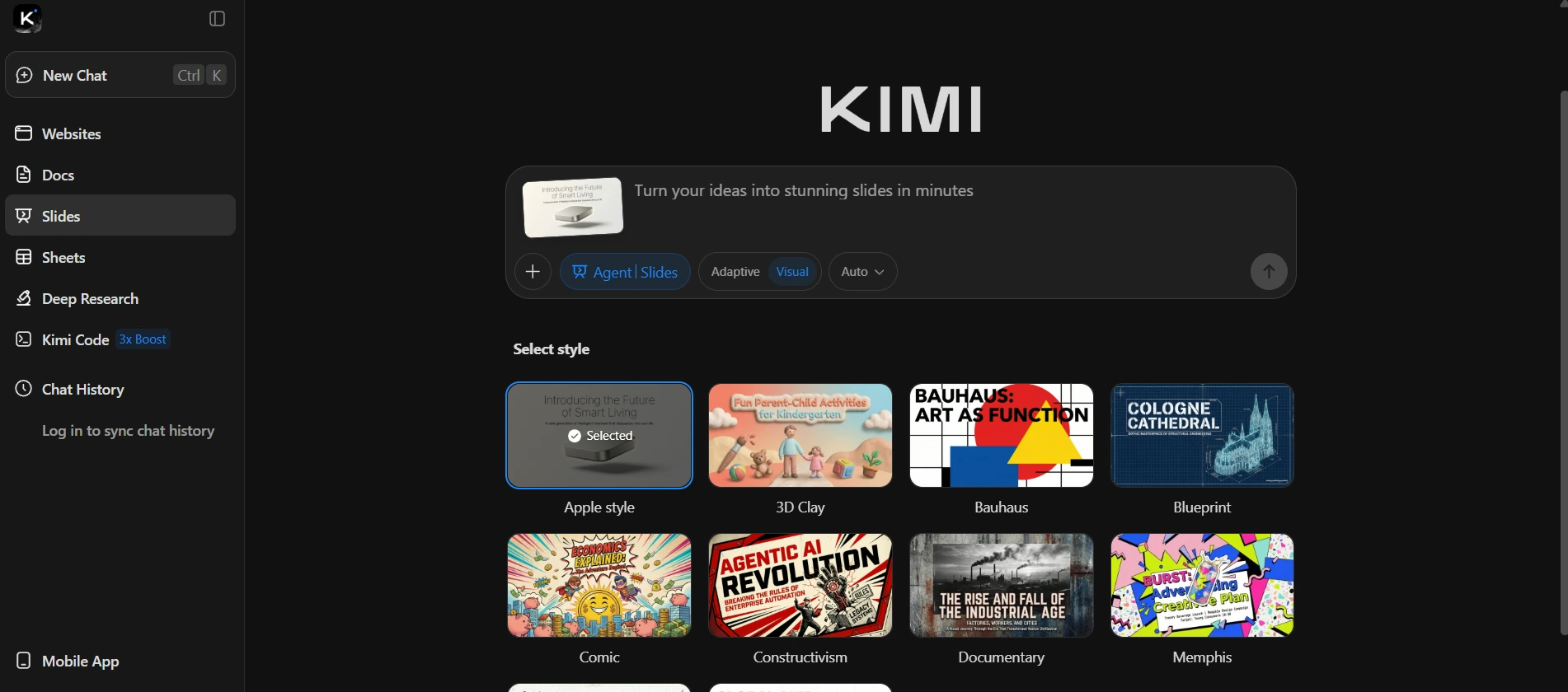
We tested a bunch of slide tools (Gamma, Manus, Canva AI). For dense, consultant-style slides with charts and structured content, Kimi Slides performed best.
It produces:
- data-rich slides
- pie charts and bar charts
- structured narratives
- “business analyst” style formatting
Use it for: internal strategy decks, client presentations, reporting, exec updates.
Key takeaway: If you want slides that look expensive, Kimi Slides gets you there fast.
Key Takeaways: The Part You’ll Actually Remember
If we boil the whole list down:
- Speed wins: Wisprflow and Comet remove friction from daily work.
- Signal wins: Scouts keeps you updated without wasting time.
- Output wins: Replit Design, Higgsfield, NanoBanana Pro let you ship content and products.
- Quality wins: LLM Council improves answers by combining models.
- Professional polish wins: SAM Audio and Kimi Slides upgrade production quality.
- Money wins: n8n turns “AI interest” into business systems people pay for.
Tega AdeyemiJanuary 30, 2026.